Never miss
the Green Flag.
The motorsports schedule app for fans tired of missing races due to timezones, channel swaps, or cluttered apps. F1, NASCAR, IndyCar, and more.
Dutch Grand Prix
Sprint Qualifying starting now · 9:30 AM local
Supported Series





Everything You Need
No filler, just pure racing data.
Race Day Live Activities
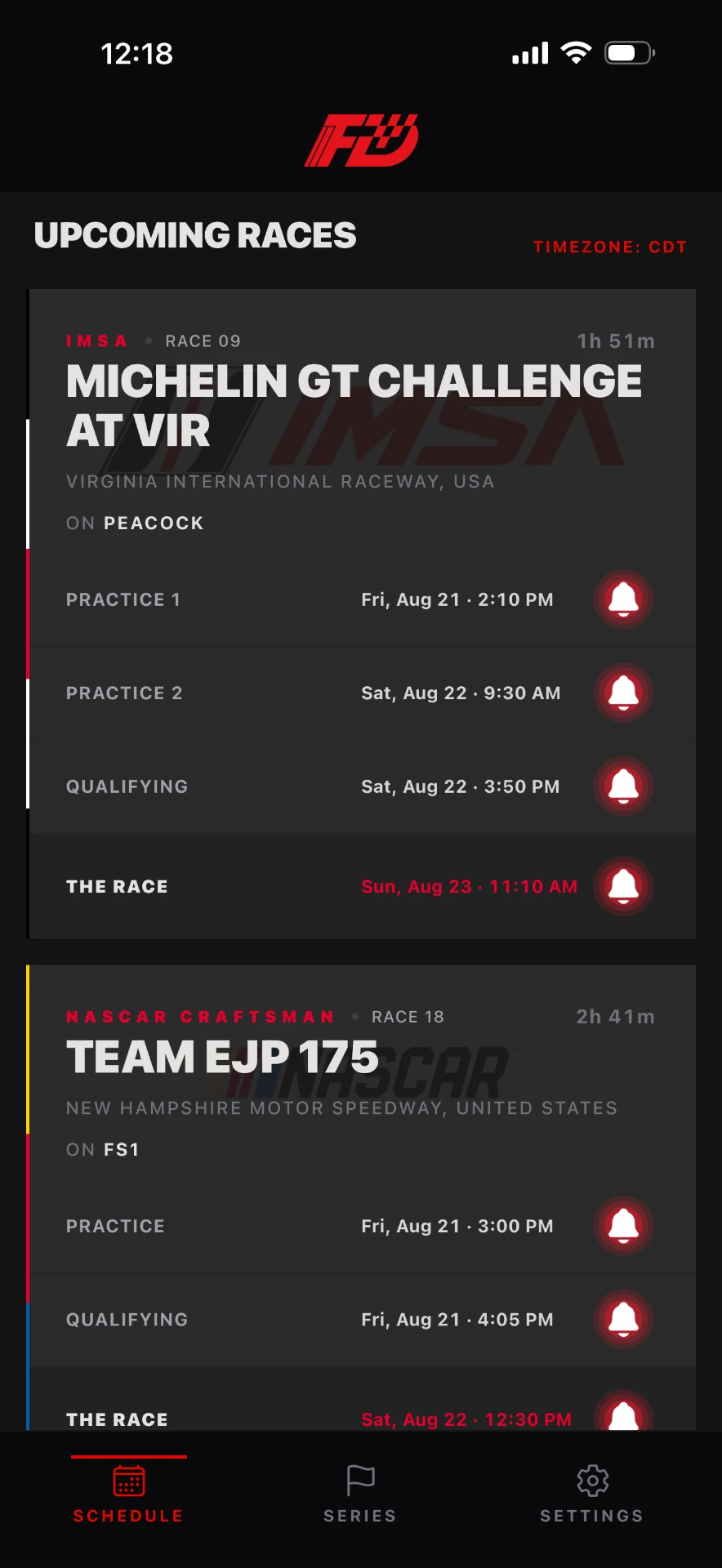
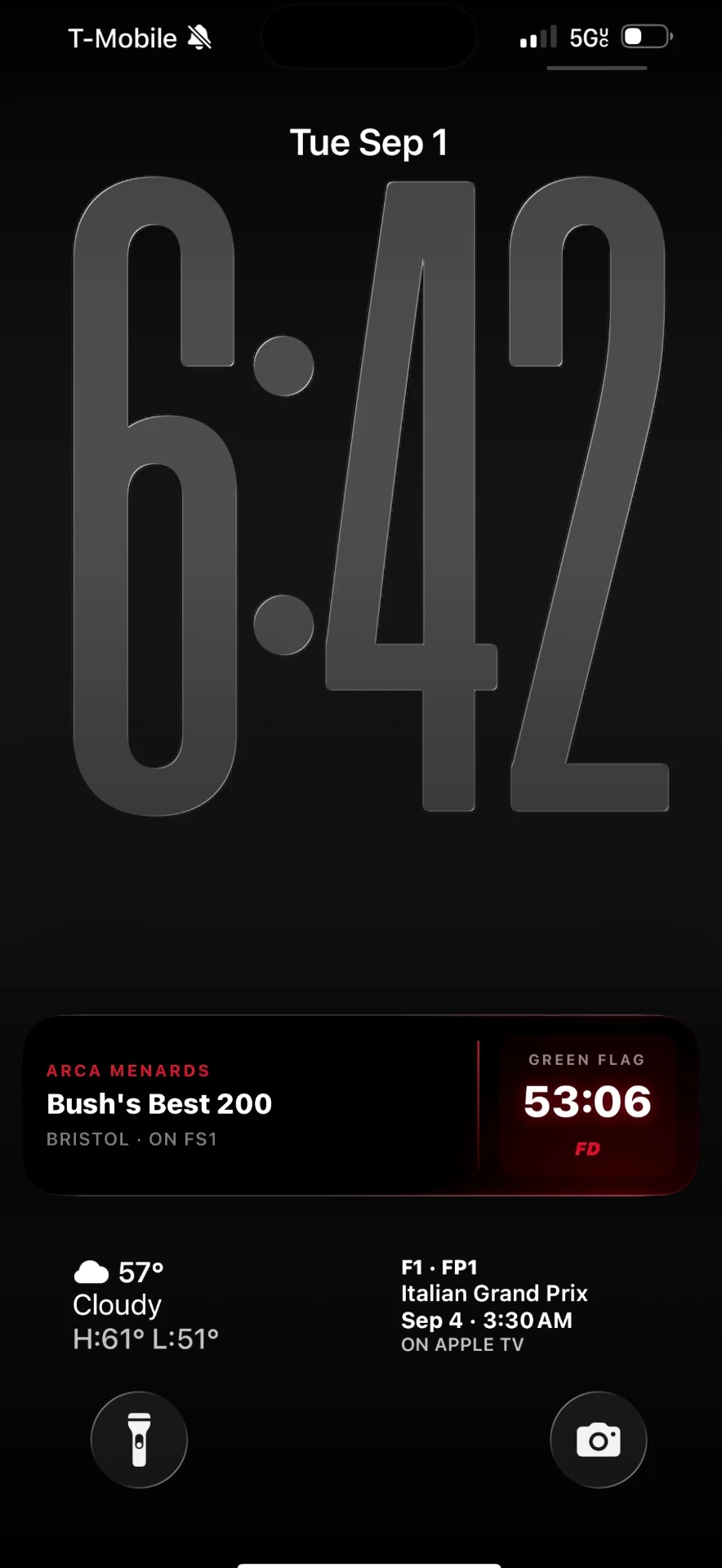
An hour before green flag, a countdown card appears right on your Lock Screen, with the app closed. It ticks down to the start, flips to LIVE the moment the race goes green, and shows the checkered flag when it ends. Dynamic Island included. Races of the series you follow, automatically.
Live Widgets
Home Screen and Lock Screen countdowns that tick in real time and flip to LIVE the moment the green flag drops, with the TV channel and the rest of the weekend at a glance. New widgets automatically match the series you follow.
Widgets that know you
New widgets default to My Series: they automatically match the series you follow in the app, no setup needed. Change your follows and every widget updates within seconds. Or set any widget to a single series, your call.
Local Timing
No UTC math. Every practice, qualifying, sprint and race is converted to your timezone the second you open the app. No “wait, is that eastern or central?”
TV Listings
Know where to tune in before you sit down. Prime Video, FOX, HBO Max, Apple TV, FS1, The CW and more, listed on every event.
Now on iPad
FlagDrop runs natively on iPad, portrait and landscape, with a layout built for the bigger screen. One app, every device.
Reminders that show up on time
Toggle notifications for any session: practice, qualifying, sprint or the race. Set lead time to live, 15 minutes, 1 hour or 1 day before, and stack up to two per session. Alerts are delivered from our servers, so they arrive even if you haven’t opened the app in weeks.
Share any race in one tap
The share button sends the series, race name, start time in your timezone and TV channel straight to the group chat. Never type out “it’s Friday at 6:30 on FS1” again.
Your schedule, your rules
Display and notifications are separate controls. Hide sessions you don’t care about without touching your alerts, or the other way around. The eye controls what you see, the bell controls what you hear.
Every series, one app
F1, NASCAR Cup, O’Reilly and Craftsman, IndyCar, IMSA and ARCA Menards. Track maps for every circuit, a live countdown to the next session, and a series filter so your schedule stays focused on what you actually watch.
Coming soon: MotoGP and WEC, shipping throughout 2026.
Built for fans,
not for data.
No Tracking
No analytics SDKs and no behavioral profiling.
No Accounts
Download and go. No login required to see schedules.
No Ads
A clean, distraction-free interface for pure racing.
Privacy Policy
FlagDrop is built privacy-first. There are no accounts, no advertising and no third-party analytics.
Your series picks, hidden sessions and settings live on your device. If you turn on reminders, an anonymous push token syncs with your notification preferences and timezone so alerts can be delivered on schedule from our servers, even when the app is closed. That token is not linked to your identity, and nothing is used for tracking or profiling.
Read the full policy →